Share the video
Send a YouTube tutorial to SaySo from your iPhone.
SaySo helps turn how-to videos into step-by-step iPhone tasks, so you can stop scrubbing the timeline and start following the work.

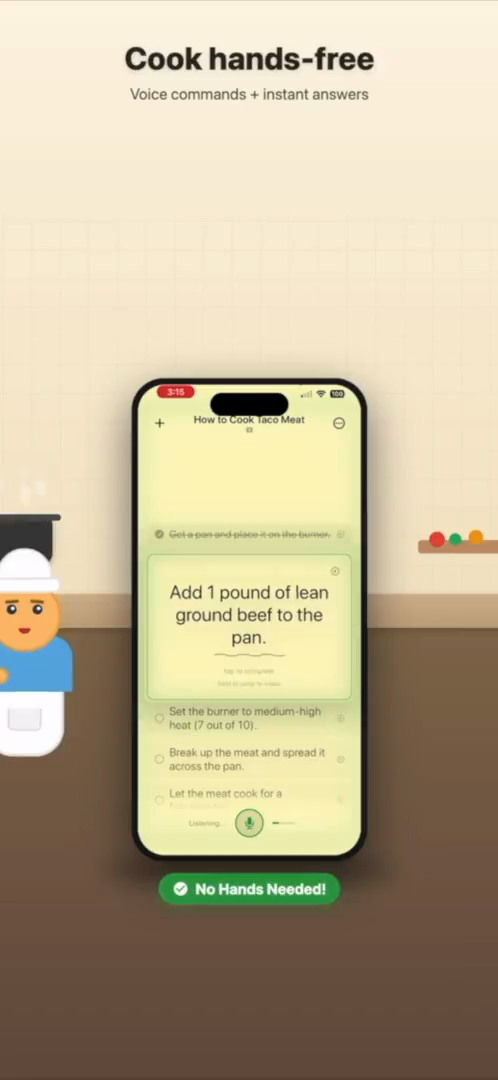
A video tutorial becomes easier to use when the actions are separated from the watching.
A tutorial is not always the best task list. SaySo helps bridge that gap.
YouTube is full of useful tutorials, but the format has a familiar problem: the information is trapped inside a timeline. When you are cooking, repairing something, building furniture, or following a craft lesson, you may need the next action more than you need the full video playing again. Rewinding, pausing, replaying, and searching for the exact moment can become more work than the task itself.
SaySo is built for people who want to turn a YouTube video into a checklist they can actually follow. Share a tutorial to SaySo and use the app to extract the practical steps into an iPhone task flow. Instead of relying on memory or jumping around the video, you get a clearer sequence of actions that stays useful when your attention is on the project.
The best candidates are videos that teach a process: recipe walkthroughs, repair guides, installation demos, woodworking projects, sewing lessons, workout setup routines, and software or hardware tutorials. These videos usually contain a series of actions, but they are often mixed with introductions, commentary, sponsor breaks, explanations, and visual context. SaySo helps separate the actionable steps from the rest.
A checklist also makes it easier to pause a project and return later. If you stop halfway through a video, you may forget the timestamp or what has already been completed. With a task list, the current step and the next action are easier to find. That is especially useful for multi-stage projects where the video is a reference but the checklist is the thing you follow.
SaySo does not download or store YouTube video files. You should only import videos and content you have the right to access. The point is to make your own workflow more usable: take the tutorial you are watching and turn the public instructions into a task format that helps you finish the job.
SaySo turns the useful parts of the source into action.
Send a YouTube tutorial to SaySo from your iPhone.
SaySo organizes the relevant instructions into a task sequence.
Use the steps while you work, with less timeline scrubbing.
Yes. Share a YouTube tutorial to SaySo and use it to create a step-by-step checklist from the video content.
Tutorials, recipes, repair videos, DIY builds, craft lessons, and how-to walkthroughs are the best fit.
No. SaySo does not download or store YouTube video files. It helps extract actionable steps from accessible source content.
Download SaySo for iPhone and make videos easier to follow while you work.